Join us for DataOps Day Atlanta on August 21. Register Today >
Use AI agents in HighByte Intelligence Hub to generate models, configure pipelines, map industrial assets, and accelerate the delivery of contextualized data for analytics and Industrial AI.
For organizations early in their Industrial DataOps journey, there is a learning curve for understanding how to engineer and process industrial data. Eventually, deployments expand to broader teams who are new to Industrial DataOps or play a more supportive role. As more integrations and data pipelines are deployed, there is more configuration to understand, manage, and debug. Using AI in your Industrial DataOps workflow can improve user awareness and understanding of critical configuration and concepts.
Facilitating the configuration of your industrial data infrastructure can be nuanced and time-consuming. Users spend much of their time in DataOps software building and maintaining models, instances, and pipelines across many use cases and sites. AI allows you to rapidly iterate the configuration and optimize for the use case and the desired target system. An agent can recommend changes or the creation of new configuration based on evaluating the existing project. As configuration changes are proposed, the user can evaluate the change and approve or deny the changes proposed by an agent.
When working with industrial data, certain tasks have required a higher degree of manual work or input, making them tedious and slow-moving. This is especially true of establishing data infrastructure at a site for the first time, when there may be hundreds or thousands of assets or work cells that need to be mapped. AI agents transform tasks that are typically manual and repetitive in nature through automation. When provided the right prompts and examples, agents can aid in the creation or modification of configuration, accomplishing the desired results in a fraction of the effort and time it would otherwise take.
PRODUCT DEMO
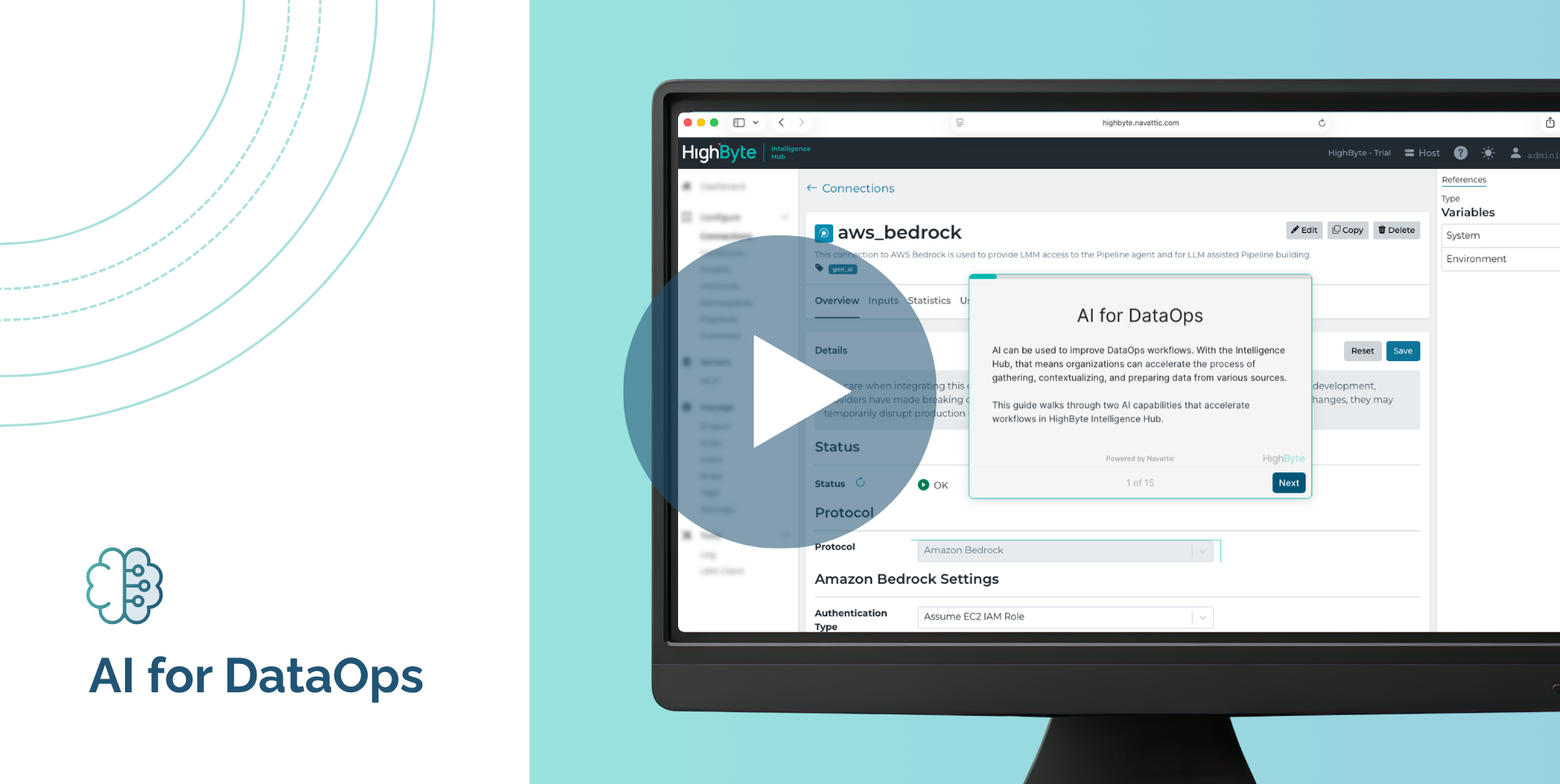
Get a better understanding of what AI for DataOps looks like inside HighByte Intelligence Hub with this interactive demo.
The Intelligence Hub includes connections to AWS, Microsoft Azure, Google, OpenAI, and local LLMs. These connections allow your organization to use preferred and approved LLMs to support the agent infrastructure built into the Intelligence Hub.
Minimize the time it takes to create models and map Instances with agentic AI generated configuration. Pass inputs, files, and prompts to the agent to create or modify models and instances. This can include leveraging external databases of tag mappings, scanning an entire namespace to identify similar objects for instances, or reading documents as source material for models and instances. This significantly reduces the work of contextualizing telemetry data for digital projects, particularly in large brownfield facilities.
The Pipelines interface provides an AI agent to augment your user experience. Connect to the language model service of your choice and prompt the Pipeline AI Agent to summarize, create, or edit pipeline configuration. Once the agent proposes changes, the Pipeline UI displays exactly what was added or modified, giving you full visibility into how your configuration is affected. Finally, you can debug and test the changes, then accept or reject them and continue iterating.
New in version 4.4 of the Intelligence Hub, the Pipeline AI Agent accelerates pipeline development and documentation. In this video, Thomas McOscar demonstrates how AI is helping users interact with Pipelines in the Intelligence Hub through natural language prompts.
Pipeline configuration, now in plain language. HighByte Intelligence Hub 4.4 introduces the Pipeline AI Agent, which connects to your LLM of choice to summarize, create, and edit pipelines conversationally. The post also provides details on Central Data, Databricks Zerobus, and the new i3X Server.
HighByte Intelligence Hub version 4.3 introduced an MCP Services view. In this video, HighByte CTO Aron Semle demonstrates the new interface, which streamlines the user experience of managing all your MCP tools in the Intelligence Hub.
Watch HighByte CTO Aron Semle demonstrate a solution pattern in HighByte Intelligence Hub. The Intelligence Hub can connect with Amazon Bedrock, Azure OpenAI, Google Gemini, OpenAI, and local LLMs—giving users the ability to generate model instances with the help of these AI services.
Curious to learn more and see a live demo of HighByte Intelligence Hub? In this demo, we will show you how to deploy HighByte Intelligence Hub at the Edge to access, model, transform, and securely flow industrial data to and from your IT applications without writing or maintaining code.