Pipelines are the center of data movement and payload orchestration in the Intelligence Hub. Use Pipelines to curate, apply logic, and optimize datasets for specific applications using a simple but flexible graphical user interface. Build out stages in a pipeline to model, filter, buffer, or transform data for optimized delivery to consuming applications and device nodes.
Orchestrate the movement of data on time intervals or logic-based events. Delay the delivery of data or buffer data based on time or size. Maintain the state of data that has been moved.
Sequentially transform data with pre-built processing stages, custom expressions, or even third-party JavaScript libraries. Process complex event streams of data structures with modeling, validation, and end-to-end observability. Tailor modeled data to meet the needs of multiple consuming applications and services. Set pipelines as “callable” to expose them to other pipelines or the REST Data Server.
Compose data extraction routines from simple input reads to sophisticated parameter-based queries, multi-stage lookups, cross references, payload appending, and more. Publish data to destination systems and dynamically drive schema, topics, keys, and identifiers. Define success/failure criteria of an integration and enforce these criteria with custom error handling.
PRODUCT DEMO
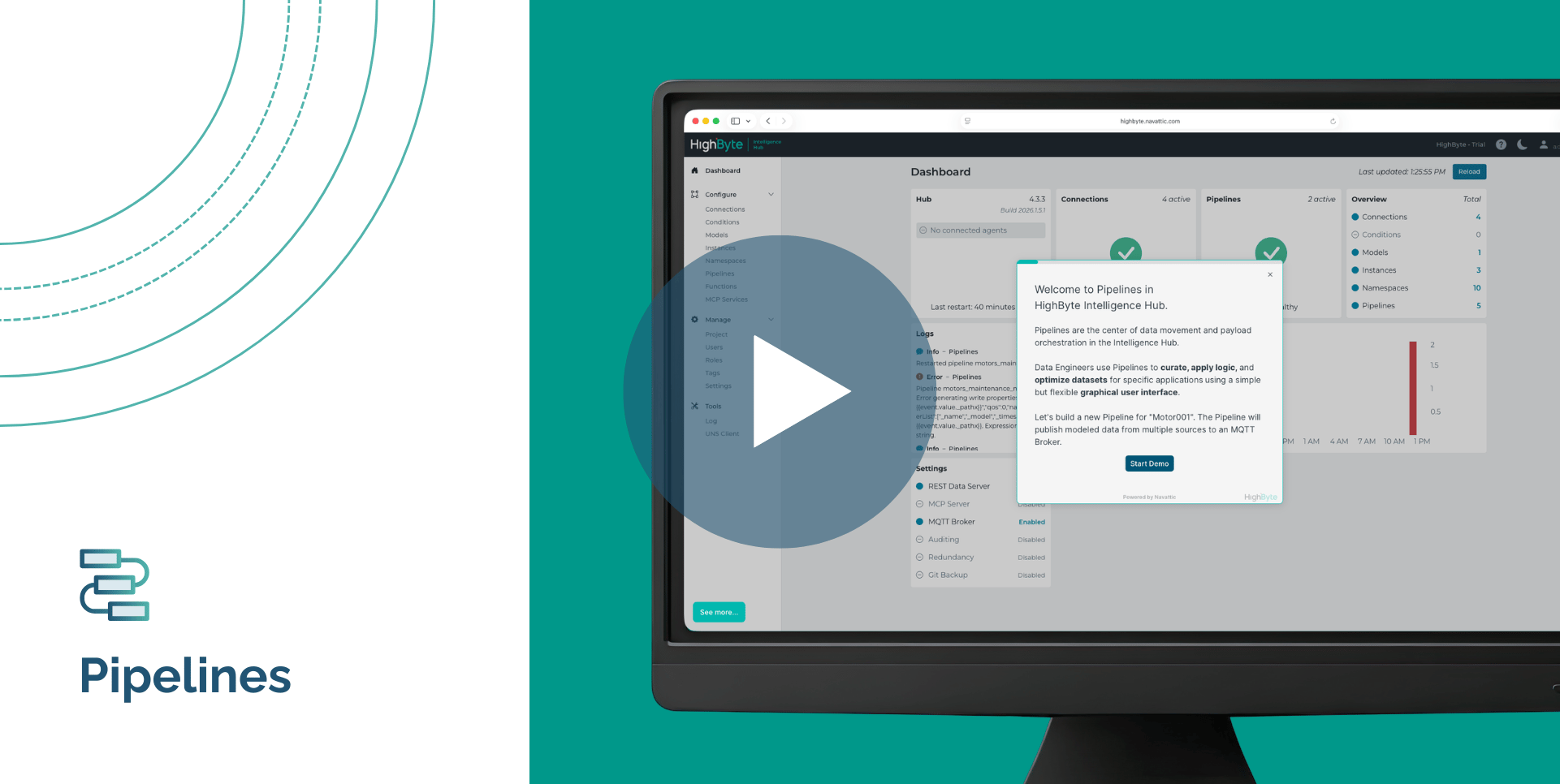
Use this guided demo to step through the process of building and configuring a Pipeline in HighByte Intelligence Hub. Learn how to navigate the graphical user interface to create pipelines that can stream and transform industrial data.
Most target systems have limitations on how they can process inbound data. They may be incapable of parsing or filtering structured data. They may consume multiple records in batches or files. Use Pipelines to dynamically break up objects and arrays, discard unnecessary elements to facilitate easy consumption, and buffer data on time or record count. Publish as JSON payloads or as CSV and Parquet files—or compress those files prior to delivery. This enables target systems to efficiently consume industrial data regardless of how source systems produce and transmit it.
The transportation of contextualized data is a challenge for many industrial organizations. Solve this pain point with Pipelines. Use Pipelines to read data from an input or instance source and then publish that data to one or many target connections. Pipelines can be triggered by events or intervals while running the execution of each stage in the pipeline. Pipeline Replay and Debug Mode allow you to observe data transformations from stage to stage, discover and react to errors, and monitor pipeline and stage statistics for delays. Internal subscriptions make building event-driven pipelines across a distributed, enterprise deployment seamless.
As more integrations and data pipelines are deployed in an organization, there is more configuration to understand, manage, and debug. The new Pipeline AI Agent is an in-app agent that connects to your language model service of choice and allows you to conversationally summarize, create, and edit pipeline configuration. Once the agent proposes changes, the UI displays exactly what was added or modified, giving you full visibility into how your configuration would be affected. You can debug and test the changes, then accept or reject them and continue iterating. The Pipeline AI Agent makes sophisticated pipeline configuration more accessible across teams and skill levels, with human discretion in the loop at every step.
Some data sets must be sourced from multiple systems, where the data from one system is being used in the subsequent read. Based on the values sourced, the pipeline data may go down one or multiple conditional paths with unique structuring, transformation, filtering, and writing to target systems. Pipelines can employ metadata to facilitate dynamic reads as well as curate the presentation of data to the needs of the systems consuming it. Additionally, users can organize a sequence of pipeline stages into a loop, simplifying repetitive and iterative data processing.
Industrial data is not only produced as primitive tags or points, but also as complex structures. Instead of decomposing these structures and explicitly mapping them into model instances, Pipelines can validate and re-shape incoming data structures to adhere to model definitions. This is ideal for enforcing data quality or modeling many data sources that produce similar data structures with subtle differences.
Stage Type |
Stage Name |
|
Common
|
Breakup, Filter, Flatten, Model, Model Validation, Size Buffer, Timed Buffer
|
|
Control
|
Delay, Error, For Each, On Change, Return, Subpipeline, Switch, While
|
|
Format
|
CSV, GZip, JSON, Parquet, XML, Zip
|
|
I/O
|
Merge Read, Read, Smart Query, Write, Write New
|
|
Parse
|
CSV, JSON, Parquet, XML
|
|
Transform
|
JavaScript, JSONata
|
|
Trigger
|
API, Callable, Cron, Event, Flow, Namespace, Polled
|
Download the software to get hands-on access to all the features and functionality within HighByte Intelligence Hub and start testing in your unique environment.